Is Windows Defender Good Enough in 2026? It Depends Which One
Built-in Defender Antivirus is strong for one home PC. Businesses need devices onboarded to Defender for Endpoint or Defender for Business. Here is how to tell which one you have.

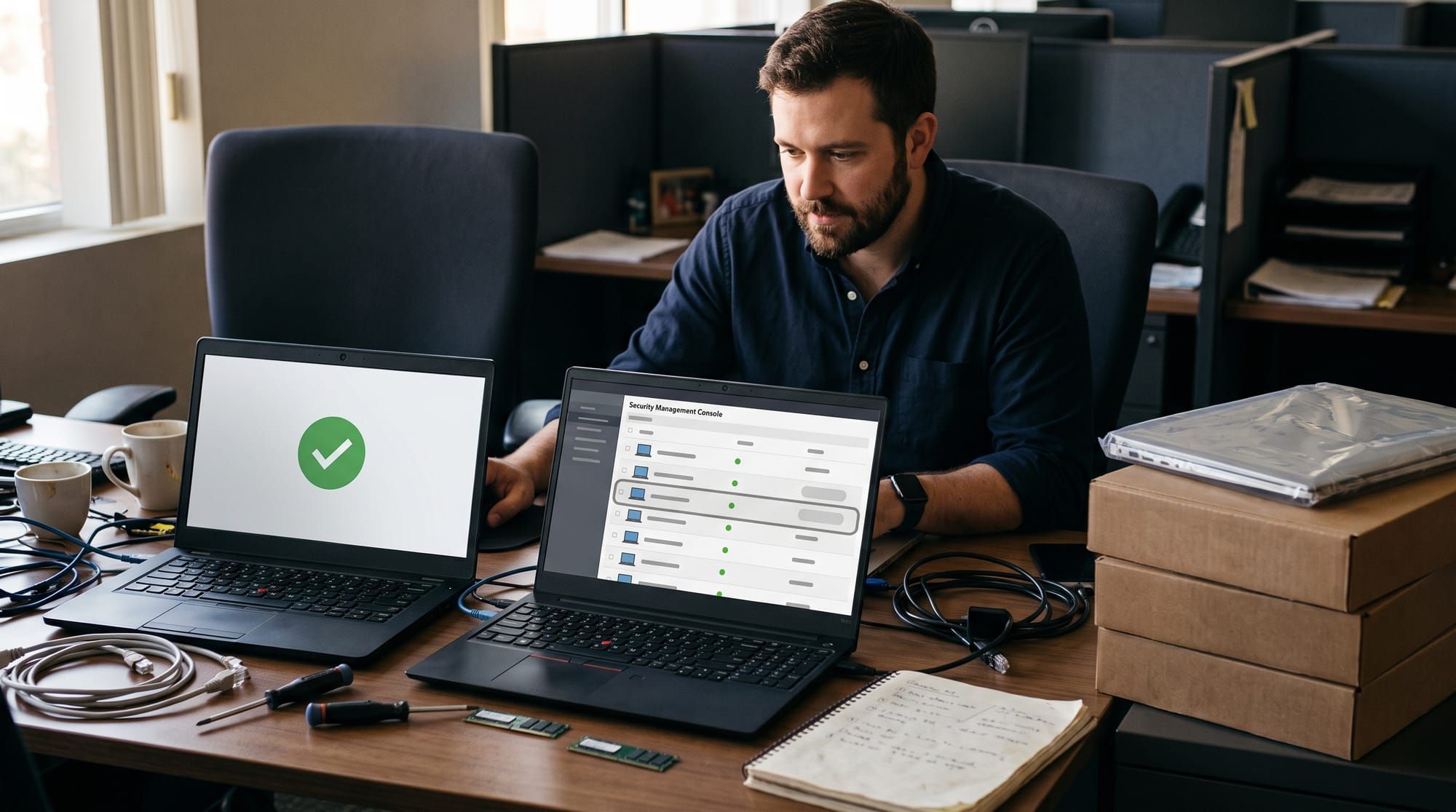
"Is Windows Defender good enough?" comes up constantly, and David Bombal asked it again in a clip from Black Hat this year. The honest answer is that it depends which Defender you mean. Microsoft uses the Defender name for a free antivirus built into Windows and for a paid endpoint security platform. They do different jobs.
This post explains what the built-in version covers, what it leaves out, and how to tell which one your devices are actually running.
What the built-in Defender Antivirus does well
Microsoft Defender Antivirus is included in all versions of Windows 11 and Windows 10. It combines real-time, behavior-based, and heuristic protection with cloud-delivered protection for near-instant blocking of new threats. If you install another antivirus, it turns itself off; uninstall that product and it turns back on.
It also tests well. Microsoft reports a protection score of 6.0 out of 6.0 from AV-TEST, with the fair caveat that these tests measure antivirus only, not any other protection.
For a single home PC, with updates on and sensible habits, the built-in antivirus is a solid baseline. I would not tell a home user to pay for a third-party antivirus instead.
What antivirus alone leaves out
The problem is not detection quality. It is visibility.
In Bombal's clip, a guest describes what attackers test first: how to bypass Defender. One trick is a script that adds the whole C drive to the exclusions list. "Windows Defender is still happy. You see the green tick, but it's not scanning anything."
Microsoft documents the same technique: attackers "might add or modify Microsoft Defender Antivirus exclusions to avoid scanning." On a standalone PC, nobody else sees that change. There is no console, no alert to an IT team, and no record of what ran before or after.
That is the gap. Antivirus decides whether to block a file. It does not tell anyone what got through, what the attacker did next, or which other devices look the same.
As the guest in the clip points out, the people who get hacked are often not careless. Targeted attacks do not look like obvious phishing, and you may never know where the first point of contact was. That is exactly the situation where a record of what happened on each device matters most.
What Defender for Endpoint and Defender for Business add
Microsoft sells the rest of the stack in three main forms. Per Microsoft's service description and the Defender for Business comparison:
- Defender for Endpoint Plan 1 adds central management of next-generation protection, attack surface reduction rules, device control, endpoint firewall, network protection, and application control. It is included in Microsoft 365 E3.
- Defender for Business, for organizations up to 300 users, includes Plan 1 features plus endpoint detection and response (EDR), automated investigation and remediation, automatic attack disruption, and core vulnerability management. It is included in Microsoft 365 Business Premium.
- Defender for Endpoint Plan 2 adds full EDR, automated investigation, vulnerability management, threat analytics, and advanced hunting with 30 days of hunting data and six months of retention. It is included in Microsoft 365 E5.
Onboarding also unlocks the fix for the exclusion trick. Tamper protection can protect organization-managed exclusions when devices run a recent Defender platform, are managed only by Intune or only by Configuration Manager, have the DisableLocalAdminMerge setting enabled, and have the Defender for Endpoint sensor running.
Check which Defender your devices run
A license does not protect a device by itself. Business Premium includes Defender for Business, but each device still has to be onboarded before it gets EDR and central management. Here is how to check.
- Check the inventory. In the Microsoft Defender portal, open Endpoints, then Device inventory. Onboarded devices show "Onboarded". Devices the sensor has seen on the network but that are not protected show "Can be onboarded." Every company laptop should be in the first group.
- Spot-check a device. On a Windows PC, the Sense service, shown as Windows Defender Advanced Threat Protection Service, runs only when the device is onboarded. Stopped means antivirus alone.
- Turn on tamper protection. Enable it for the organization, then verify exclusion protection. Microsoft's guide shows how to confirm the TPExclusions value is 1.
- Manage exclusions centrally. Keep exclusions in Intune or Configuration Manager only, and keep the list short.
- Decide who watches alerts. EDR only helps if someone acts on it. Defender for Business's automated investigation and attack disruption help small teams. If nobody reviews alerts at all, consider a managed service.
The takeaway
For one home PC, built-in Defender Antivirus is good enough. For a business, antivirus alone means an attacker can switch off scanning and nobody will know. Defender for Business or Defender for Endpoint closes that gap, but only on devices that are actually onboarded.
Open your device inventory this week. How many devices say "Can be onboarded"?