I Built My Own Wispr Flow on Azure Foundry With Codex
I wanted AI dictation on my work laptop without sending text to a vendor or installing a local model. Here is how Sasayaki runs on my own Azure subscription, how to install it, and what it costs.

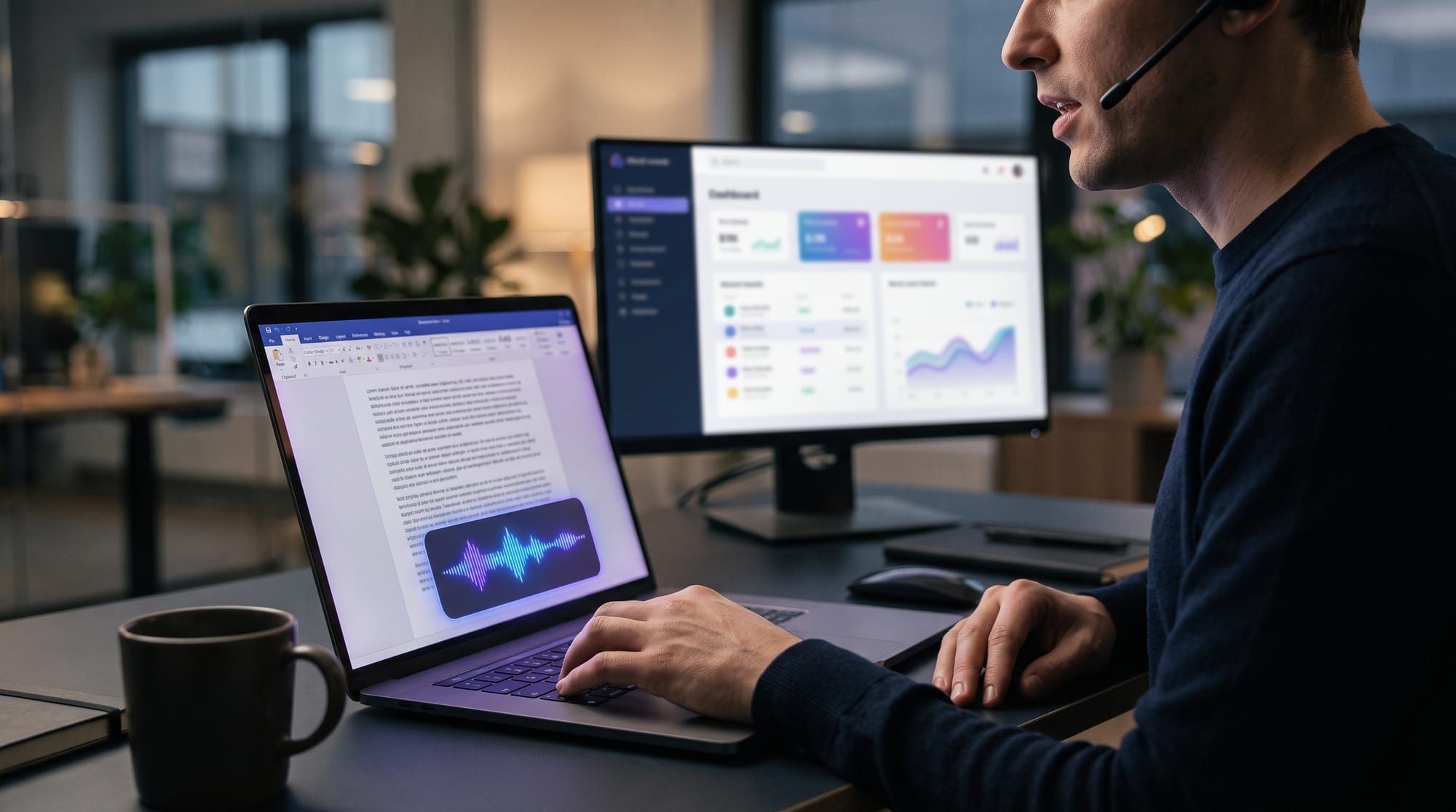
I dictate most of what I write now: email, meeting notes, documentation. On my personal laptop I use Wispr Flow, and it is good. On my work laptop I had two rules. My dictated text does not go to a consumer AI vendor, and I do not install a local speech model on a managed machine.
That left a third option most dictation tools skip: run the models in my own Azure subscription. So I built Sasayaki, a native Windows dictation app whose speech and cleanup models live in Microsoft Foundry under my tenant, my keys, and my budget. Here is what I used, what changed along the way, how someone else installs it, and what it costs.
Why not SaaS, and why not local
Consumer dictation apps send audio to their own cloud. Wispr Flow's own documentation says its "Improve the model for everyone" and dictation cloud storage settings default to on unless restricted, and that turning off model improvement does not stop cloud processing. That is reasonable for a personal machine. It is a harder conversation for client or employer data.
Local models solve the data question but create others. They need an install the security team has to approve, they use CPU or GPU on a laptop that is already busy, and someone has to keep them updated.
Azure sits in between. Microsoft states that prompts and completions for models sold by Azure are not available to OpenAI or other model providers, and are not used to train foundation models without your permission. The data goes to a contract and a subscription you already govern.
What I used to build it
I built Sasayaki with OpenAI's Codex rather than Claude, mostly because I wanted real time with Codex. The coding model was GPT-6 Astra, released in September 2026 with a Codex update that keeps notes across long sessions.
The result is a .NET Windows app. Hold Ctrl+Win and speak, release to finish, or double-press for hands-free recording. Text is typed at the cursor with Unicode input, and the app never uses the clipboard. It mutes playback while recording and restores it afterward.
It calls two Foundry deployments, described in the Azure setup guide:
- gpt-live-transcribe (deployment
sasayaki-speech) for live English transcription. It is a streaming Realtime API model that holds one session open while you talk. - gpt-5.4-mini (deployment
sasayaki-cleanup) for light text cleanup.
My first pick for speech was Microsoft's MAI-Transcribe-2-Streaming. It is in public preview with no SLA and not recommended for production, and I ran into issues with it. For something I use all day at work, I switched. If you build on Foundry, check the lifecycle status of every model before you commit to it.
How to install it on your own machine
The setup guide has the full commands. The short version:
- Pick a region. Sign in with the Azure CLI and run the guide's read-only check for
gpt-live-transcribeand its quota. I started with East US 2; Central US is the alternative. - Create a resource group such as
rg-sasayakiin that region. - Create a Microsoft Foundry resource with the default project. Defaults are fine for a personal setup; no Key Vault, private endpoints, or customer-managed keys are required.
- Deploy the speech model as
sasayaki-speech, Global Standard where offered. - Deploy the cleanup model as
sasayaki-cleanup. If it is not offered in your region, a second Foundry resource elsewhere works. - Collect six values: the speech resource root, the cleanup base URL ending in
/openai/v1/, both deployment names, and both keys. - Install the MSI. It bundles the .NET runtime. "Just me" installs under your profile with no admin rights. Paste the six values into Settings, select Test Azure connections, and save.
The MSI carries no Azure credentials. Keys are protected for your Windows account under %LOCALAPPDATA%\Sasayaki, and each Windows user keeps their own.
What it costs
Speech is billed on audio duration. The East US 2 price I saw for gpt-live-transcribe was $1.02 per hour of audio on October 8, 2026. A two-minute dictation costs about three cents, and leaving the app open costs nothing. Cleanup tokens are extra but small.
Wispr Flow Pro is $15 a month, or $144 a year on annual billing, which is the $12 a month I pay. At $1.02 an hour, I break even at roughly 12 hours of dictation a month. Below that, my own build is cheaper. Above it, I am paying for control, not savings.
I set a $50 monthly budget on the subscription with an alert at 50%. Know what that does and does not do: Azure budgets send alerts but do not stop consumption, and cost data can take 8 to 24 hours to show up. Treat the budget as a smoke alarm, not a circuit breaker.
The limits
This is not "no cloud." Audio still leaves the laptop and goes to Microsoft, and the service stores and processes data for abuse monitoring. A Global Standard deployment can process prompts in any geography where the model runs. If residency matters to you, look at regional or DataZone deployment types.
The installer is also unsigned today, so Windows cannot verify the publisher. And you own the upkeep: key rotation, model retirements, and updates.
The takeaway
The useful question for AI tools on a work machine is not cloud or local. It is whose cloud, under whose contract. If you already run Azure, a small Foundry deployment gives you dictation inside a boundary you control for about a dollar an hour of talking.
If you try it, create the budget before you deploy the first model. Then run the region and quota check. Would you trust your own subscription with your dictation more than a vendor's app?
#AI Tools #MicrosoftFoundry #Azure #Dictation #Codex